
3 November 2026
Homeschool Registration Report: What to Include
For many homeschooling families, the review is the dreaded part. It might be a registration renewal, a visit, or a request for evidence. Whatever form it takes, the feeling is the same: I've been teaching all year, but can I show it?
The families who find it easy are rarely the ones with the best memory. They're the ones who kept a dated record as they went. In Homeschool-HQ, that record turns into a single document with one tap, called the Learning Summary.
One document, built from what you've already logged
The Learning Summary is a complete report of everything from the day you started logging right through to today. It pulls together three things a registering authority commonly looks for:
- A coverage overview: which curriculum codes you've covered, subject by subject, with a progress percentage and a total across all subjects.
- Dated evidence: the lessons behind each code, with the dates they happened, your notes about the activity, and a photo where you've added one.
- What's still outstanding: the codes you haven't reached yet, each with the activities that would cover it.
It also includes a month-by-month count of the lessons you logged, so a full year of regular teaching is easy to see at a glance.
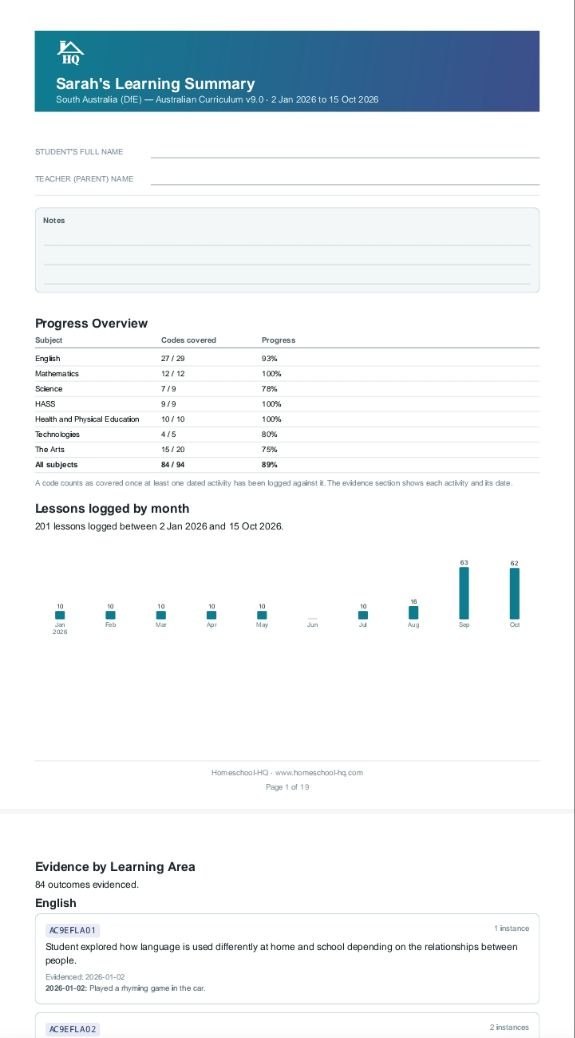
That's the first page of Sarah's report from the example account: 201 lessons logged between January and October, with her coverage laid out subject by subject. The evidence section follows on the next pages.
None of this is written for the report. You logged lessons in ordinary words, the activities were matched to your state's curriculum, and the report is simply those records, organised.
Your names stay with you
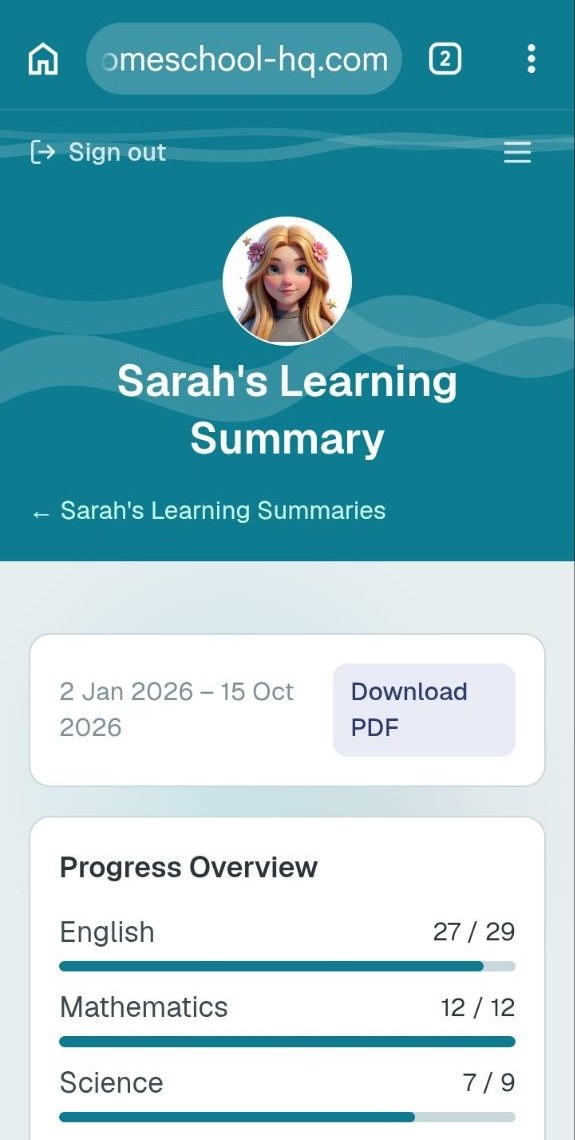
For your privacy, the app doesn't store your child's full name or your own in the report. The PDF has blank lines for your child's full name, your name as teacher, and any notes, which you fill in by hand before you hand it over.
Private Parent Notes, the ones you keep for your own reflection or to share with a tutor or therapist, never appear in anything generated for a registering authority.
Generate it whenever you like
You don't have to wait for review time. The report is cumulative, so each time you generate it, it covers everything from your first logged entry to today. That makes it useful as a check-in too. Run it at the end of a term, see the "still outstanding" list, and plan the next term around it.
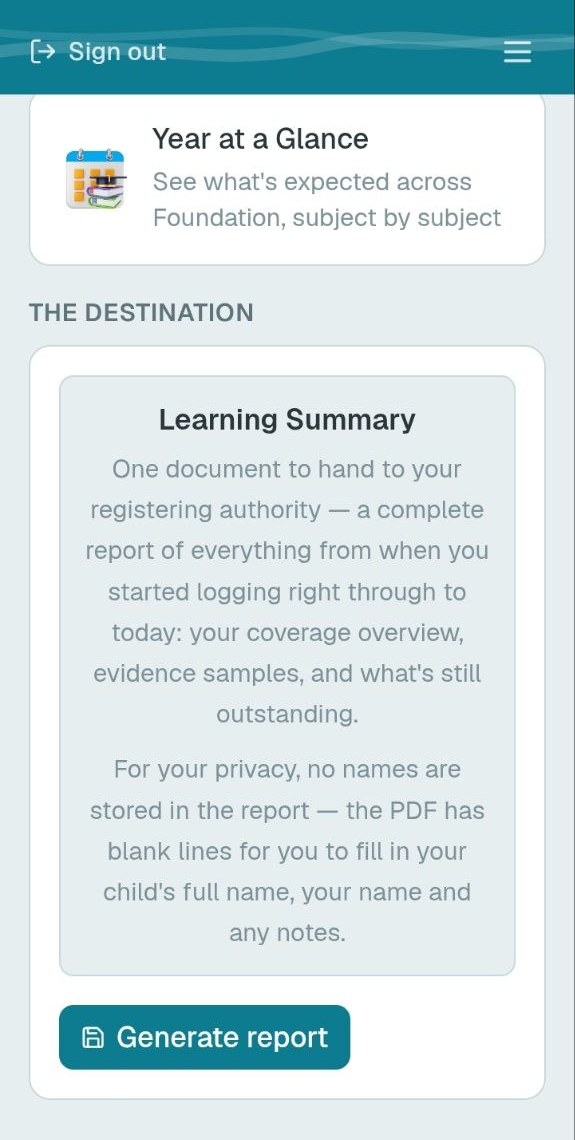
Once it's generated, you can read it in the app and download it as a PDF.
What to keep in mind
- Requirements differ by state. Each registering authority decides what evidence it accepts and how often it wants it. Use the report alongside your own state's guidance.
- It isn't officially endorsed. Homeschool-HQ isn't endorsed by any registering authority, and no tool can promise how a reviewer will respond. What the report gives you is clear, dated, curriculum-matched evidence that comes from your own teaching.
- A good record starts early. The report is only as full as the lessons behind it. The earlier you start logging, the more it shows.
The report is the last step in a simple routine. Glance at your week, watch each subject add up, keep an eye on your curriculum coverage, and when review time comes, the evidence is already there.
If you'd like to build your own record as you teach, you can get started here.